01
Place a tag
Register a common NFC tag and put it somewhere worth getting up for.
Bathroom · Kitchen · HallwayPut an NFC tag by your coffee machine, bathroom mirror, or front door. When your alarm rings, getting up to scan it is the simplest way to make it stop.
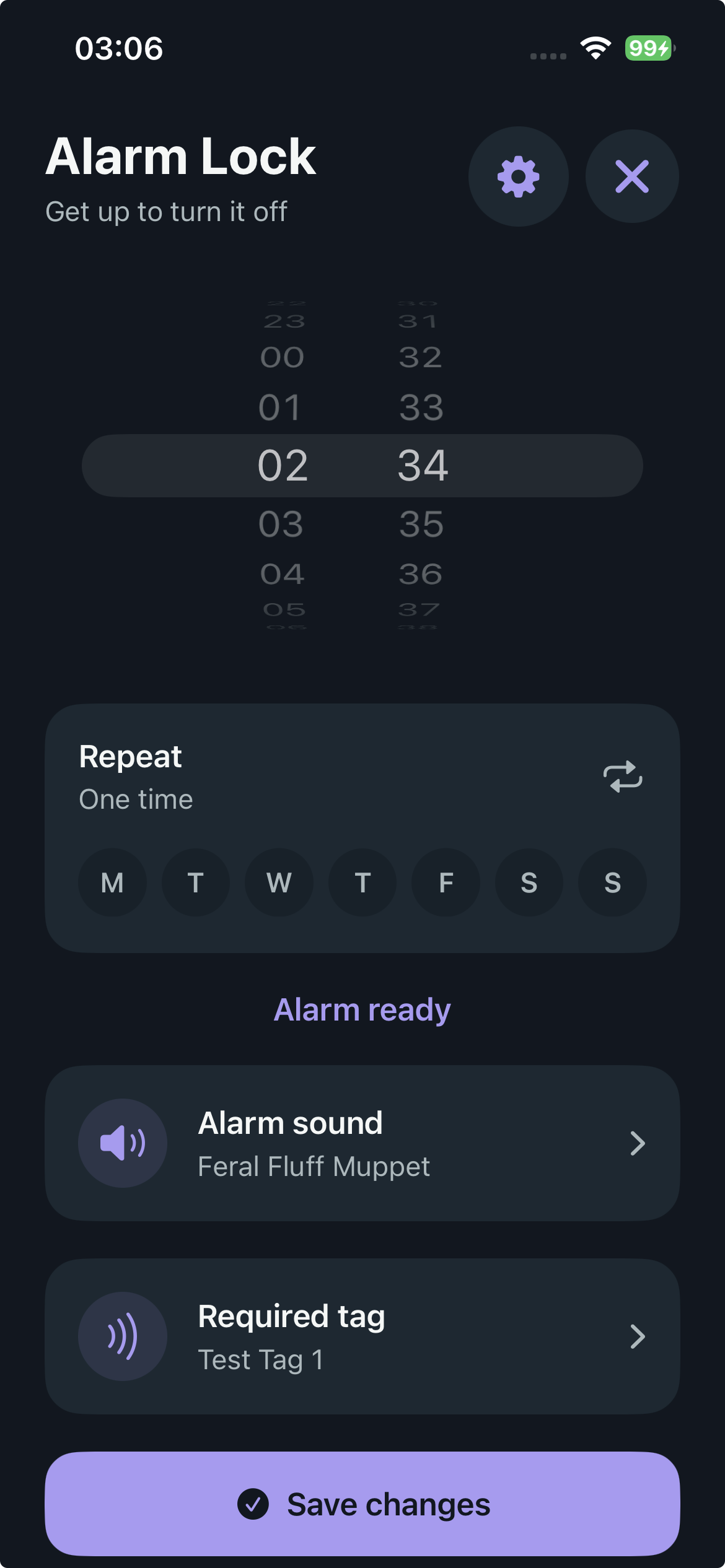
Alarm Lock adds one simple physical action between hearing your alarm and starting your day.
Register a common NFC tag and put it somewhere worth getting up for.
Bathroom · Kitchen · HallwayChoose the time, days, sound, and the exact tag required to dismiss it.
Simple, familiar alarm setupWhen it rings, move to your tag and scan it. Correct tag, quiet morning.
Movement before autopilotAlarm Lock keeps the intended route clear: get to the tag you picked. A wrong tag won’t stop the sound.
Hold continuously, solve three maths questions, then confirm. Releasing early resets the hold.
A focused dark interface, flexible alarms, named tags, and sound choices—all designed to be understood before bed.
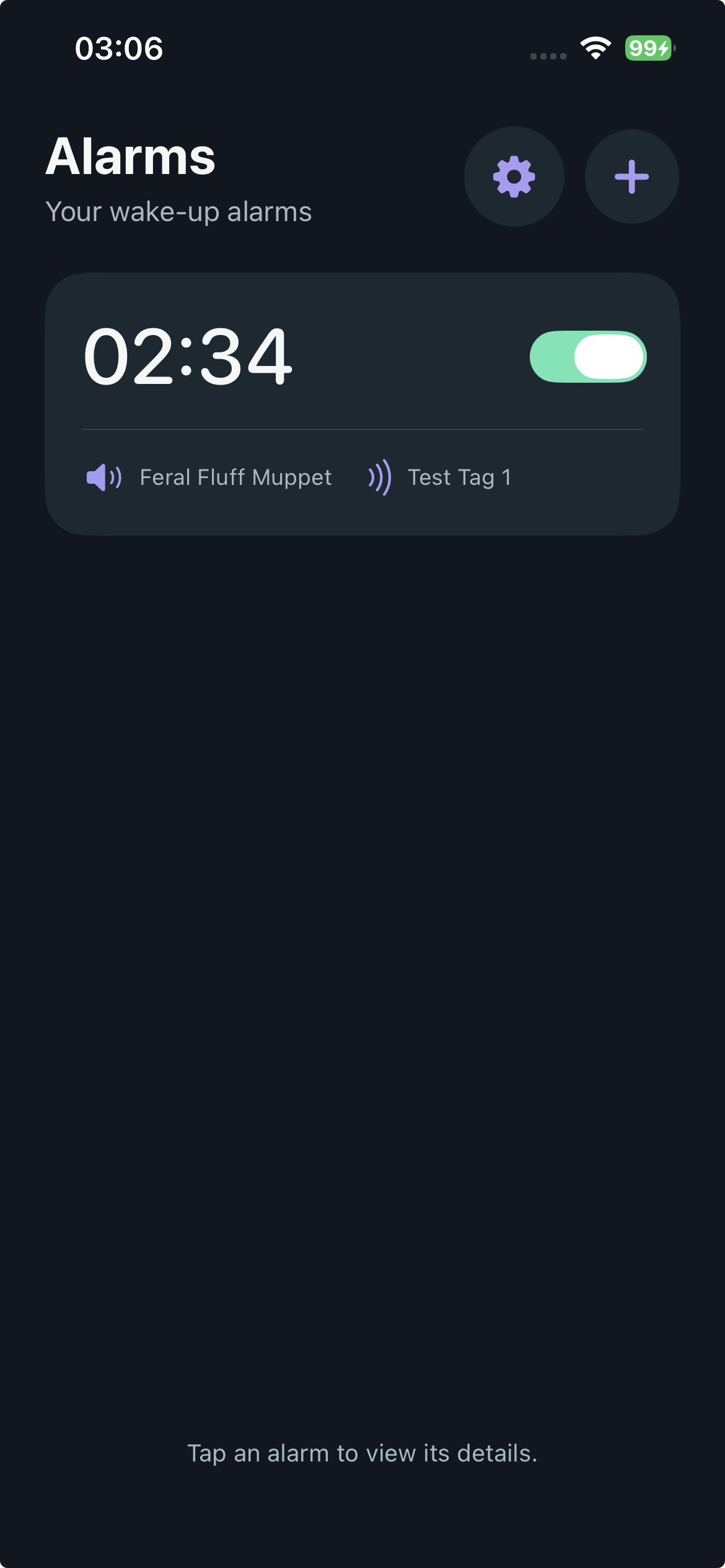
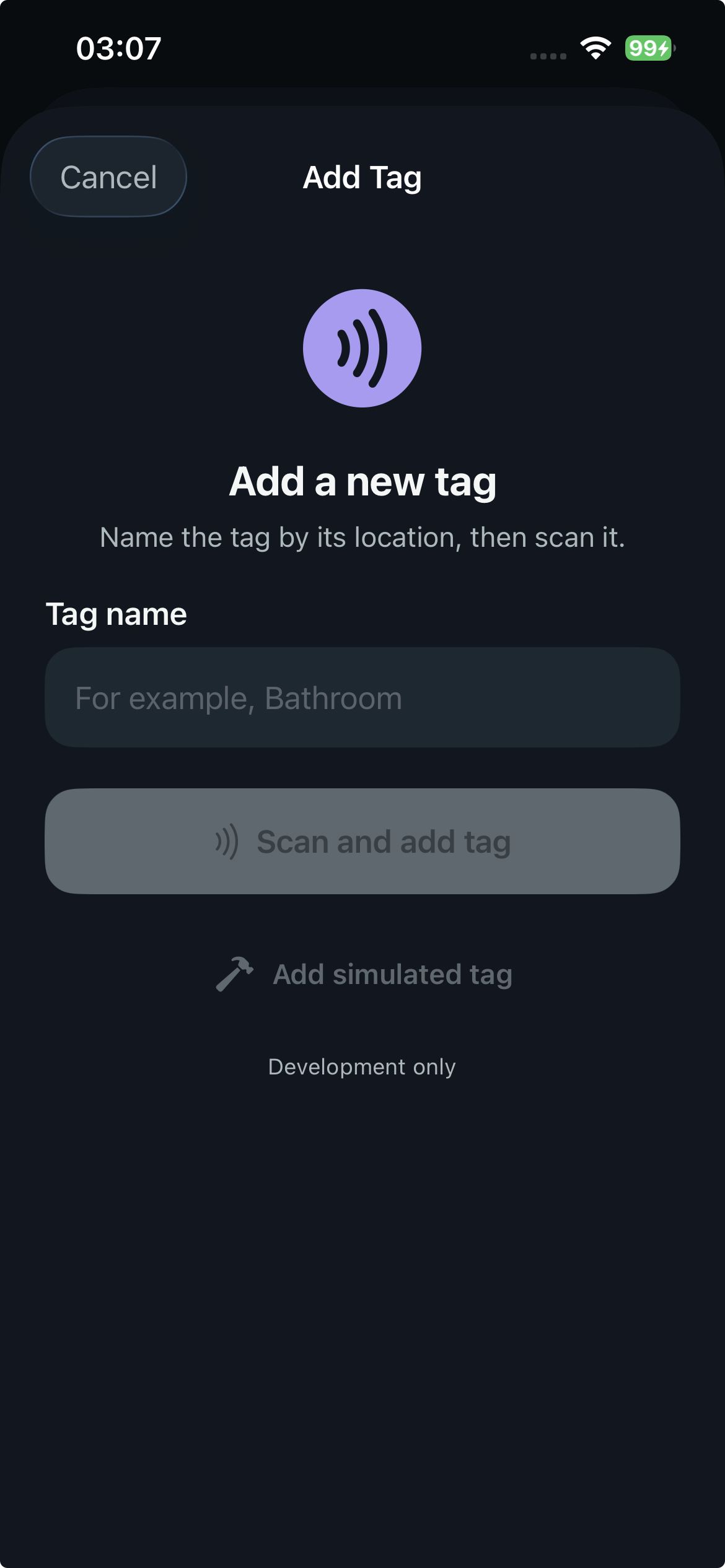
Tag registration and matching happen on-device. The core alarm flow needs no account, cloud service, analytics system, or external AI.
Alarm Lock is designed for common, stable, readable passive NFC tags. Payment cards, protected access badges, encrypted credentials, and tags with rotating identifiers may not work.
A deliberate emergency route remains available: a continuous 10-second hold, three locally generated maths questions, and a final confirmation.
No. iOS remains in control of system alarm behavior and may still present system controls. Alarm Lock focuses on making the intended NFC route effective while keeping a safe emergency option.
No proprietary Alarm Lock device is required. The app is intended to work with compatible passive NFC tags you may already own.
Alarm Lock is a working on-device prototype. Join the beta interest list to hear when testing spots open and help shape what comes next.
Useful feedback beats perfect mornings.
We’re looking for people who struggle with mornings, building routines, or getting their day started.